Duplicate Memorial Enquiries: Merge Without Losing Context
Resolve duplicate memorial enquiries by confirming the people and project involved before merging contact details, notes or approval records.
By Marwaa Team · Published

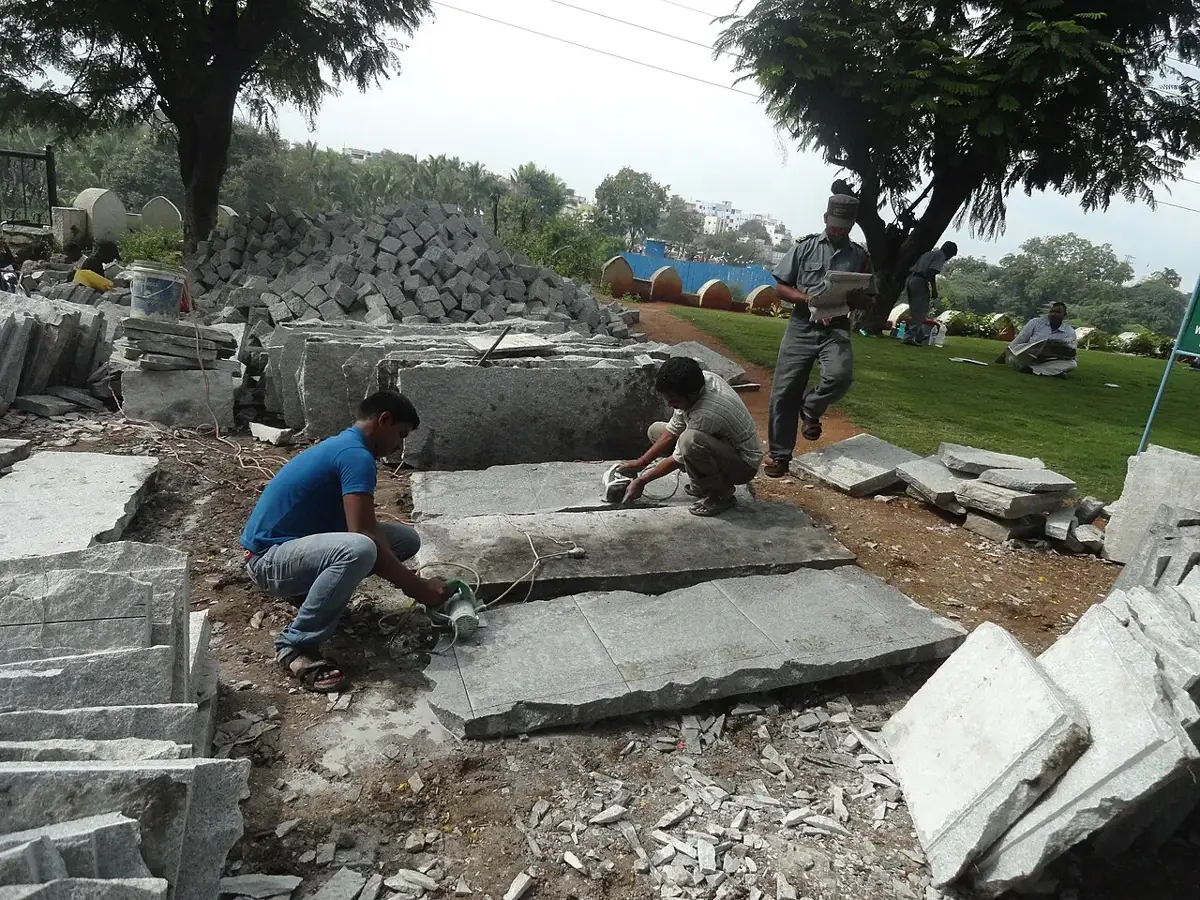
Illustrative stock photograph: Cutting Stones (Unsplash).jpg by Igor Ovsyannykov igorovsyannykov · CC0. Resized and converted to WebP. The photograph does not represent Marwaa’s work or a featured service location.
Duplicate memorial enquiries can begin with two relatives contacting different staff members about the same project. They can also be two separate projects with a shared surname. Treat the match as a question to verify, not a reason to combine records automatically.
How do you recognize a possible duplicate memorial enquiry?
Use several relevant clues together: the cemetery reference, the person being commemorated, the intended product and the existing enquiry number. A phone number alone can belong to a shared household or a family coordinator working on more than one memorial.
Record the basis for the possible match. A note such as “same grave reference, relationship to be confirmed” is clearer than simply tagging a record “duplicate.” It tells the next staff member what has been observed and what remains uncertain.
Avoid asking for extra identity information merely to make a software match. Collect only what the business needs to distinguish the project. The FTC business data guide supports limiting unnecessary personal information and controlling access to retained records.
Confirm the project before merging contact details
Contact the appropriate person through the existing agreed channel and explain the practical question. Ask whether the messages concern the same memorial and which contact should coordinate updates. Do not disclose another person's full correspondence just to establish the relationship.
If two people have different roles, keep those roles separate. One may arrange appointments while another is the purchaser. A family may choose a common coordinator without changing the supplier's or cemetery's authorization requirements.
| Review field | What to record |
|---|---|
| Possible match | The enquiry references under review |
| Supporting clue | Cemetery reference or project detail |
| Confirmed relationship | Same project, related project or not a match |
| Contacts | Each person's actual role |
| Communication | Agreed lead contact and channel |
| Approval records | Original files and their source |
| Merge decision | Reviewer, date and retained reference |
A clear “not a match” outcome is useful. It stops staff from reopening the same ambiguity every time the surnames appear together in a search.
Preserve the original messages and approvals
A merge should not rewrite the source of an instruction. Keep the sender, date and attachment version for each message. If the two enquiries contain conflicting wording, route that conflict through a fresh clarification rather than selecting the most recent text automatically.
The proof revision workflow explains why a complete current file matters. A contact merge can improve access to that file, but it cannot turn an informal message into production authorization.
Where software supports linked records instead of a permanent merge, consider whether linking better preserves separate roles. Ask the system owner how merged files, permissions and accounting references behave before changing a live order record.
Check the downstream effects
Review duplicate reminders, draft quotations and supplier enquiries after the decision. Otherwise, both records may continue generating follow-up even though staff believe the merge solved the problem. Keep a cross-reference so a reply using the old number still reaches the current project.
Do not merge financial balances or signed orders merely because contact details match. Those records need the appropriate commercial review. The person maintaining enquiries may not be authorized to change the accounting position.
If a record was merged by mistake, follow the system's supported recovery process. Preserve what happened and notify the people who need to correct the project record. Avoid silently editing messages to make the history appear consistent.
Use a fictional case to test your process
Two siblings each request information about a companion memorial. Their messages name the same cemetery but give different grave references. Staff mark the enquiries as a possible match and ask for clarification, rather than assuming the second grave number is a typo.
The reply confirms that one sibling is also asking about a separate parent memorial. The team retains two projects and records the shared coordinator where appropriate. That outcome is more accurate than a tidy single customer file with mixed wording.
Keep the wider project roles in the family contact handover record. A clean enquiry register should make the next conversation simpler without flattening the family relationships or the actual approval trail.
Key Takeaways
- Similar names or phone numbers do not prove that memorial enquiries concern the same project.
- Confirm project identity and contact roles before merging records.
- Preserve original messages, approval versions and commercial references after a merge.
Frequently Asked Questions
Can matching email addresses justify an automatic merge?
They identify a possible relationship, not necessarily the same memorial. Check the project context first.
Does the lead contact become the approver?
No. Confirm approval authority through the actual supplier and cemetery processes.
Should duplicate quotations be deleted?
Archive or mark superseded versions clearly while preserving their history and references.
Next Step
For a trade enquiry that needs a supplier response, request a bulk monument quote with the relevant specification and open questions. The record in this guide helps describe the requirement; it does not place an order.
Read More
- Memorial Project Handover: When the Family Contact Changes
- Headstone Proof Revisions: Keep One Approved Version
- Headstone Project Brief: A Worksheet Before You Request Quotes
A Note on This Guide
This is an enquiry-management suggestion. Follow the requirements that apply to your records, system and business relationships; an administrative merge does not determine identity or authority.
Published by Marwaa Team for Marwaa Memorials (marwaamemorials.com) · Published 2026-11-21 · Updated 2026-11-21 Marwaa Memorials is a factory-direct exporter of bulk granite monuments and headstones, shipping to monument dealers, funeral homes, and importers across North America.
Related guides

Wholesale Monument Returns: Build an Enquiry Record

Incomplete Monument Enquiries: Ask the Next Useful Question
Memorial Contact Preferences: A Record for Dealer Teams
Funeral Home Referral Handoffs: Confirm the Next Contact

Retired Monument Designs: Update Catalogues and Enquiries
