The Headstone Handover Folder: Records Your Family Will Need Later
Build a memorial handover folder with the final proof, cemetery permissions, installation photos, supplier contacts and material-specific care instructions.
By Marwaa Memorials · Published

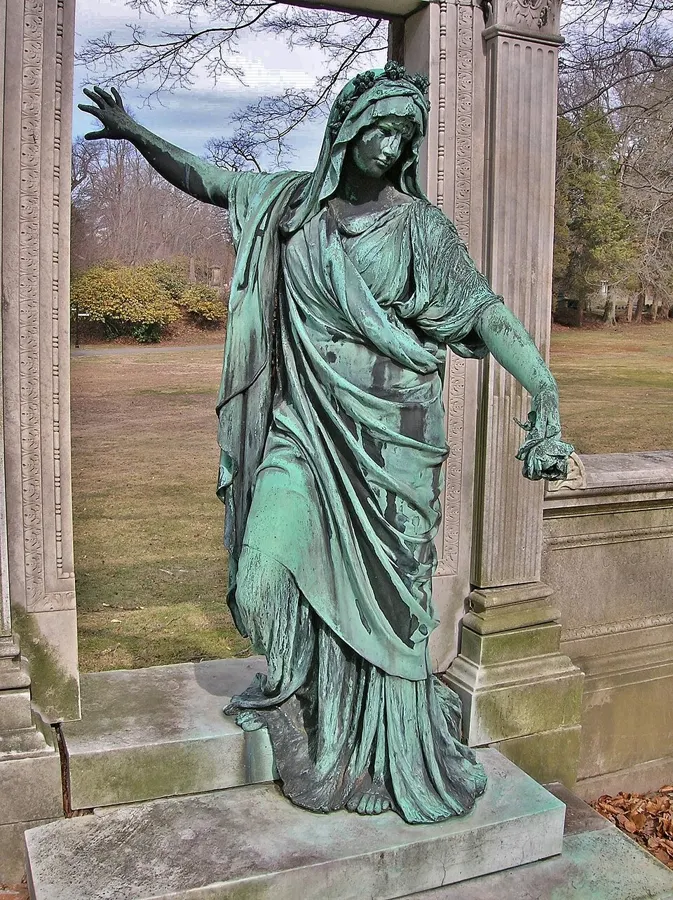
Illustrative stock photograph: City of London Cemetery and Crematorium angel sculpture grave monument 4 by Acabashi · CC BY-SA 4.0. Resized and converted to WebP. The photograph does not represent Marwaa’s work or a featured service location.
After a memorial is installed, its paperwork often remains scattered across an email inbox, a phone and a family chat. A concise handover folder helps someone answer practical questions years later: who supplied the stone, which drawing was approved, what lettering was used and what to do if a problem appears.
Make a short index rather than a huge archive
Create a one-page index naming the cemetery reference, project reference, supplier, installer and location of the current documents. The index is the starting point, not a replacement for the signed records. Put superseded drawings in a clearly labelled archive so a future reader does not mistake them for the production proof.
Do not include unrelated identity or payment documents just because they were part of an email thread. Store necessary private records separately and share the memorial information only with people who need it. A future contact needs usable information, not the password to the purchaser's entire email account.
Organize the folder into six sections
| Section | Useful contents |
|---|---|
| Final design | Approved proof, wording sheet and any future-lettering plan |
| Order and scope | Specification, signed order, invoices and included or excluded tasks |
| Cemetery | Grave reference, permission, relevant office correspondence and rules retained at the time |
| Installation | Installer details, completion note and original handover photographs |
| Care and warranty | Material-specific written instructions, warranty terms and claim contact |
| Future contact | Agreed family contact and a short list of open items |
Use simple filenames containing the project, date and document type. Keep an editable index and a stable copy of signed documents. Back up the folder in a second appropriate location rather than relying on the survival of one phone.
Ask for care instructions that match the actual memorial
A memorial may combine polished granite, painted lettering, a ceramic portrait, metal fittings or another material. Ask the supplier which instructions apply to each part and what should be referred to a professional. Do not combine advice from an old marble marker with instructions for a new granite memorial merely because both are headstones.
For historic markers, consult appropriate conservation guidance before treating the surface. The NPS preservation brief addresses the preservation of historic grave markers; it is not a product-care guarantee for a new memorial.
Preserve the exact warranty wording
Keep the actual warranty and the seller's contact process, including any stated exclusions, duration or notification requirements. Do not summarize a limited written warranty as “everything is covered forever.” If the supplier provides no separate warranty document, ask where the relevant terms are recorded in the order.
In a fictional example, a family has a stone supplied by one business and installed by another. The folder should identify those roles separately. That allows a later concern to be directed with the right documents without assuming which party is responsible before the issue has been examined.
Record unresolved work at handover
A folder can be useful even when one item remains open. State what is outstanding, who is handling it and the next agreed update. Do not erase that list just because the main monument looks finished. Save the final closure message when the item is resolved.
Use the remote photo handover checklist to make sure the image record is useful. The condition log can then help distinguish later observations from what was present at installation.
Review access when the family contact changes
If the original purchaser is no longer managing the records, make sure the agreed successor can find the folder and identify the actual cemetery and supplier contacts. Review permissions when sharing documents. Keep the original versions rather than rewriting earlier approvals from memory.
Source and scope
The NPS cemetery documentation guidance supports keeping written and photographic records. The folder structure above is an original organizational suggestion; actual contract, warranty and cemetery requirements remain those in the relevant documents.
Frequently Asked Questions
What is the single most important design file to keep?
Keep the complete final approved proof, identified by version and date, together with the approval record.
Should I store a warranty summary or the original terms?
Keep the original written terms and contact procedure. A short summary can omit conditions that matter later.
Who should have access to the folder?
Share the relevant records with the family’s agreed future contact, while keeping unnecessary personal and financial information separate.
Ready to get pricing for your granite monument?
Request pricing, factory specifications, and DAP delivery timelines from our team.
Related guides
Remote Headstone Installation

How to Photograph a Headstone for Records and Genealogy
How to Restore an Abandoned Family Cemetery

How to Clean a Ceramic Photo on a Headstone

Headstone Condition Log