Remote Headstone Installation: The Photo Handover Checklist
Request a useful installation photo handover when you cannot attend: grave reference, approved wording, site overview and a written list of open items.
By Marwaa Memorials · Published
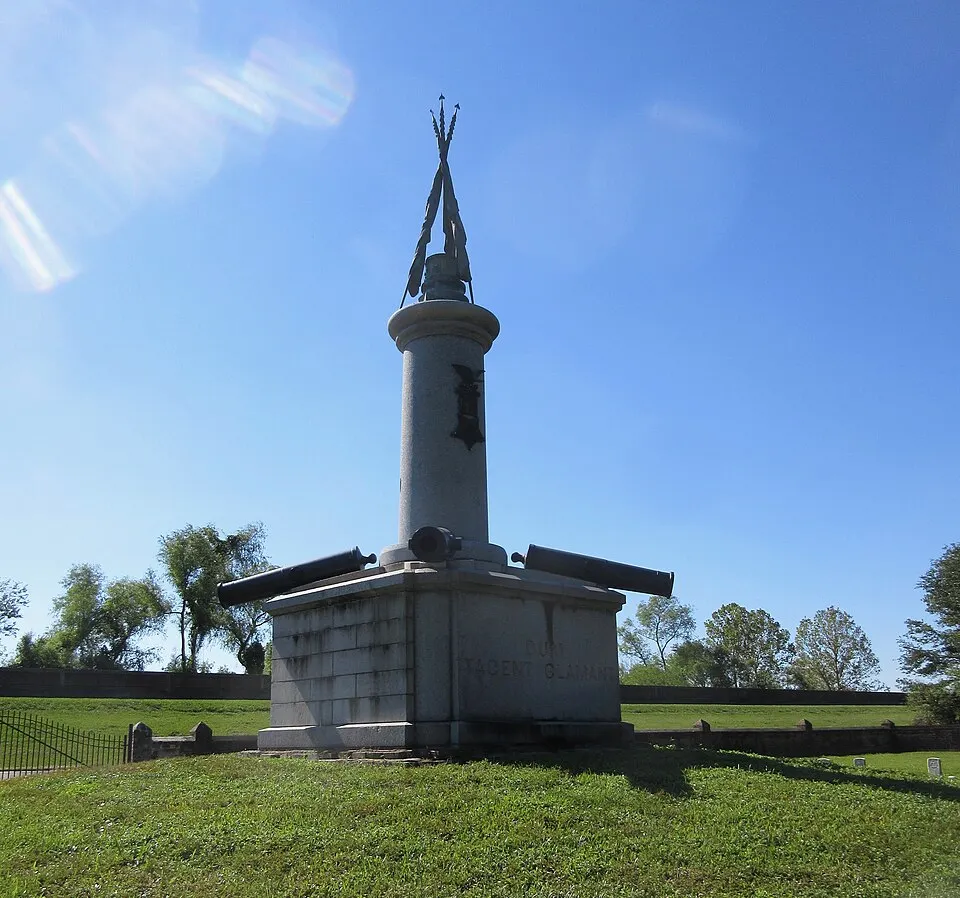
Illustrative stock photograph: Grand Army of the Republic Monument, Chalmette National Cemetery 09 by Infrogmation of New Orleans · CC BY-SA 4.0. Resized and converted to WebP. The photograph does not represent Marwaa’s work or a featured service location.
Families who live far from a cemetery often receive one attractive photograph after a memorial is installed. That photograph may be meaningful without answering practical questions about the grave reference, inscription or remaining work. A photo handover is a planned record of what was completed and what still needs attention.
Agree the handover before installation day
Ask the installer which photographs and written information it can provide as part of the agreed service. Give it the current approved proof and cemetery reference through the normal project process. Confirm who will receive the files and whether the cemetery has any photography or access restrictions.
The family should not direct an installer to interrupt lifting operations for a particular camera angle. Capture photographs when the responsible professional says the work area is clear. A handover request is a documentation request, not a replacement for the installer's working method.
Request this small, purposeful photo set
| Record | What it helps confirm | What it cannot establish |
|---|---|---|
| Grave-location overview | Memorial position within its surroundings | That every identifier is correct without the cemetery record |
| Straight-on front view | Names, dates, wording and visible layout | Exact dimensions from perspective alone |
| Side and rear views | Visible finish and general appearance | Hidden anchoring or internal condition |
| Base and surrounding ground | Visible condition after the work | Foundation depth or bearing capacity |
| Detail of any unresolved item | A specific follow-up discussion | Cause, liability or the correct repair method |
Ask for original-resolution files rather than screenshots from a messaging application. A clear front photograph can be accompanied by a closer inscription image if the lettering is small. Keep a second copy in a shared family folder if the receiving person's phone is the only original destination.
Include a written completion note
Record the project reference, installer, installation date, cemetery reference and proof version used. List any items that remain open, who is responding and when the next update is expected. If a vase or plaque is to be fitted later, show that as outstanding instead of allowing an overall “complete” message to obscure it.
A fictional handover could say: “Memorial installed on 11 November; inscription checked against proof v04. Cemetery turf reinstatement remains scheduled separately. Family to receive the cemetery's completion confirmation when issued.” That note distinguishes different responsibilities without making promises on another organization's behalf.
Review appearance and records separately
Check the inscription against the approved wording, not memory. Compare each name and date character by character. Check that the stated grave reference agrees with the project's cemetery documentation. If either appears wrong, contact the installer and cemetery promptly with the relevant record and photograph.
Do not ask a friend to push, pull or climb on a monument to “test” it. If a photograph suggests movement or instability, keep away and request an assessment from the cemetery and an appropriate professional. Remote pictures cannot certify the safety of a heavy stone structure.
Keep the record useful after the first week
Store the originals with the proof, invoice, installation correspondence and care instructions. Name files by project, date and view, rather than “IMG-final.” For later condition comparisons, an overview and repeatable front view are more useful than a heavily edited portrait-mode photograph.
The aftercare folder guide shows how to organize these records. For the earlier shipment stage, see the separate delivery inspection checklist; receiving a crate and accepting installed work are different events.
Source and scope
The National Park Service's cemetery documentation guidance describes photographs and written records as documentation methods. The handover set above is an original suggested family workflow, not an installation certification standard.
Frequently Asked Questions
Can a photograph prove a headstone is installed safely?
No. It cannot show all hidden foundation or fixing details, and a safety assessment requires an appropriate professional.
Should I request original image files?
Yes. Original-resolution files are more useful for reading inscriptions and keeping a long-term record than compressed screenshots.
What if an item is unfinished?
Record the item, responsible contact and next update separately instead of treating the entire handover as unconditional completion.
Ready to get pricing for your granite monument?
Request pricing, factory specifications, and DAP delivery timelines from our team.
Related guides
The Headstone Handover Folder
Can the Family Be Present at a Headstone Installation?
Can You Add a Photo to an Existing Headstone?
Memorial Delivery Access

Cemetery Decoration Rules
