Shared Monument Shop Logins: Change the Access Model
Improve monument shop account access with named users, appropriate permissions and supported delegation rather than shared passwords and approval codes.
By Marwaa Team · Editorial standards · Published
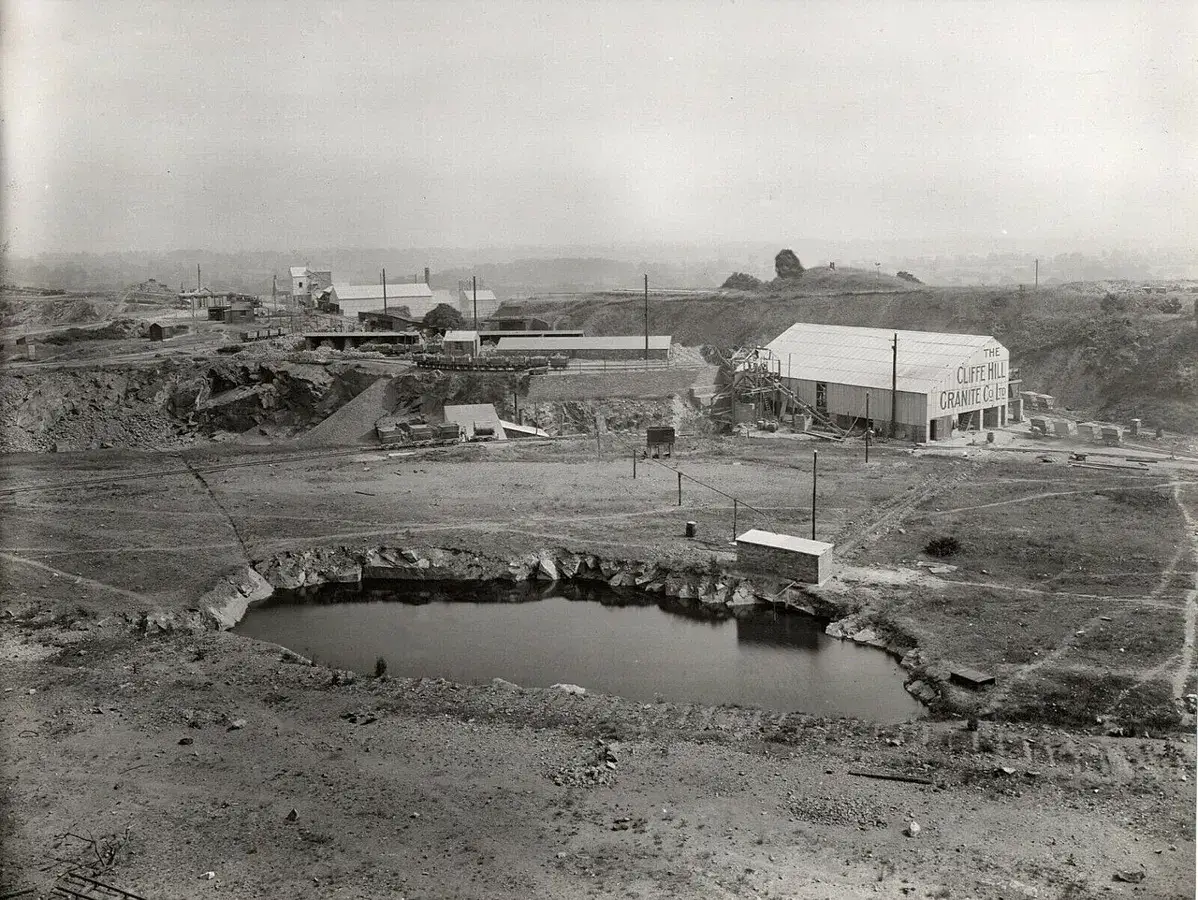
Illustrative stock photograph: Cliffe Hill Granite Quarry.jpg by Unknown photographer · Public domain. Resized and converted to WebP. The photograph does not represent Marwaa’s work or a featured service location.
Monument shop account access works better when each person uses an identifiable account with the permissions needed for their role. A shared login can hide who changed a proof, expose unrelated records and make staff departures difficult to manage. Use supported user roles and delegation, with appropriate authentication and a business-controlled recovery route.
What does a shared login hide?
When several people sign in as the owner, the system may attribute every action to that owner. Staff cannot easily distinguish a legitimate correction from an accidental change. The problem is not simply whether colleagues trust each other. The account design makes ordinary questions harder to answer.
Shared credentials also tend to spread. A password may remain in a browser, a message or a former contractor's notes. Changing it can interrupt everyone, including a supplier portal connection that the office forgot used the same details. Avoid building routine service around that hidden dependency.
The NIST small-business cybersecurity resources provide a general starting point for access planning. Ask the actual software provider about supported controls rather than inventing roles that its product cannot enforce.
Match permission to the task
A receptionist may need to view appointment details but not alter commercial terms. A designer may need artwork access without broad access to payment records. A manager may review release decisions without administering every user account.
Use the system's real permission model. If it supports only broad roles, understand the limitation and decide whether the product still fits the business. Do not describe a written office rule as a technical restriction when the software allows everyone to perform the action.
| Role question | Practical distinction |
|---|---|
| May the person view the file? | Information access |
| May the person edit it? | Change capability |
| May the person approve work? | Business authority |
| May the person manage accounts? | System administration |
These permissions are related but not interchangeable. A user who can edit a price field does not automatically have authority to agree a new price. Document the business responsibility alongside the supported system access.
Use authentication that fits the supported service
Enable appropriate multi-factor authentication where available and follow the provider's current guidance. The FBI's business email compromise guidance includes MFA among protective measures. It reduces a risk; it does not make every message or transaction authentic.
Avoid passing authentication codes around the office as a substitute for separate users. If a service offers delegated access or team accounts, ask how those work. A shared mailbox can sometimes serve a business purpose without requiring colleagues to share one person's password, depending on the platform.
Do not put credentials in project notes sent to suppliers. The project file should identify a drawing or action, not become an account-recovery document. Ask qualified support how to store and manage recovery information safely.
Plan staff changes before they happen
Joining, changing roles and leaving should each prompt an access review. A new employee does not need every historical permission just because the previous person had it. A contractor completing one design should not automatically retain broad access to customer records.
When someone leaves, follow the supported process to revoke their access while preserving business records and lawful continuity. Do not simply delete an account without understanding what happens to files, mail or ownership. Ask the provider before an irreversible step.
The absence-cover article addresses temporary service responsibility. Temporary cover should use supported delegation rather than silently transferring the absent person's identity to a colleague.
Keep an emergency route without making everyone an administrator
The business needs a way to recover access if its usual administrator is unavailable. That is different from giving every employee maximum permission. Establish an appropriate recovery and escalation arrangement with the provider and qualified support.
Test the arrangement through a safe review. Confirm the business controls the recovery contact and knows how an authorized person requests help. Do not publish secret recovery details in a general office handbook or test them by locking the live team out.
Apply the same thinking to trade portals
Supplier accounts and design services may have their own team-access rules. Ask which users the supplier recognizes and what each person may submit. Sending a file through a portal does not necessarily authorize production under the commercial agreement.
The proof revision guide explains version identity, which an access system cannot decide by itself. The Marwaa catalogue can support product discussion without requiring access to a customer's private order folder. Choose the least intrusive route that actually supports the work.
Key Takeaways
- Use identifiable accounts and supported roles instead of sharing an owner’s login.
- Distinguish information access, editing capability, business approval and administration.
- Review permissions when people join, change duties or leave.
Frequently Asked Questions
Does access to edit a drawing mean authority to approve it?
No. System capability and contractual or business approval authority are separate.
Should everyone be an administrator for emergency cover?
No. Arrange an appropriate supported recovery route and escalation process.
Can MFA replace payment verification?
No. Authentication helps protect accounts but does not establish that every request is genuine.
Next Step
For a defined wholesale requirement, request a bulk monument quote with the product mix, specifications and open supplier questions. Marwaa supplies trade buyers; this enquiry does not approve artwork or authorize production.
Read More
- Monument Shop Absence Cover: Keep Open Orders Clear
- Headstone Proof Revisions: Keep One Approved Version
- Sharing a Headstone Proof Without Sharing Private Files
A Note on This Guide
This is an access-design discussion, not a product configuration guide. Follow current platform instructions and qualified security advice, including the actual obligations applying to the business.
Published by Marwaa Team for Marwaa Memorials (marwaamemorials.com) · Published 2026-11-25 · Updated 2026-11-25 Marwaa Memorials is a factory-direct exporter of bulk granite monuments and headstones, shipping to monument dealers, funeral homes, and importers across North America.
Related guides
Canada Monument Imports: CARM and Broker Access

Monument Shop Backups: Plan a Usable Recovery

Choosing a Monument Shop CRM Without Losing the Work

Walk-In or Appointment-Only Monument Showroom?

Monument Shop Capacity: Plan Work, Not Just Order Counts
