
All articles
Design Guide 4 min read
Headstone Layout Tips: Balance, Spacing and Hierarchy
Design principles for a well-balanced headstone — hierarchy, centring, spacing, margins, symbol placement and how companion layouts stay symmetrical.
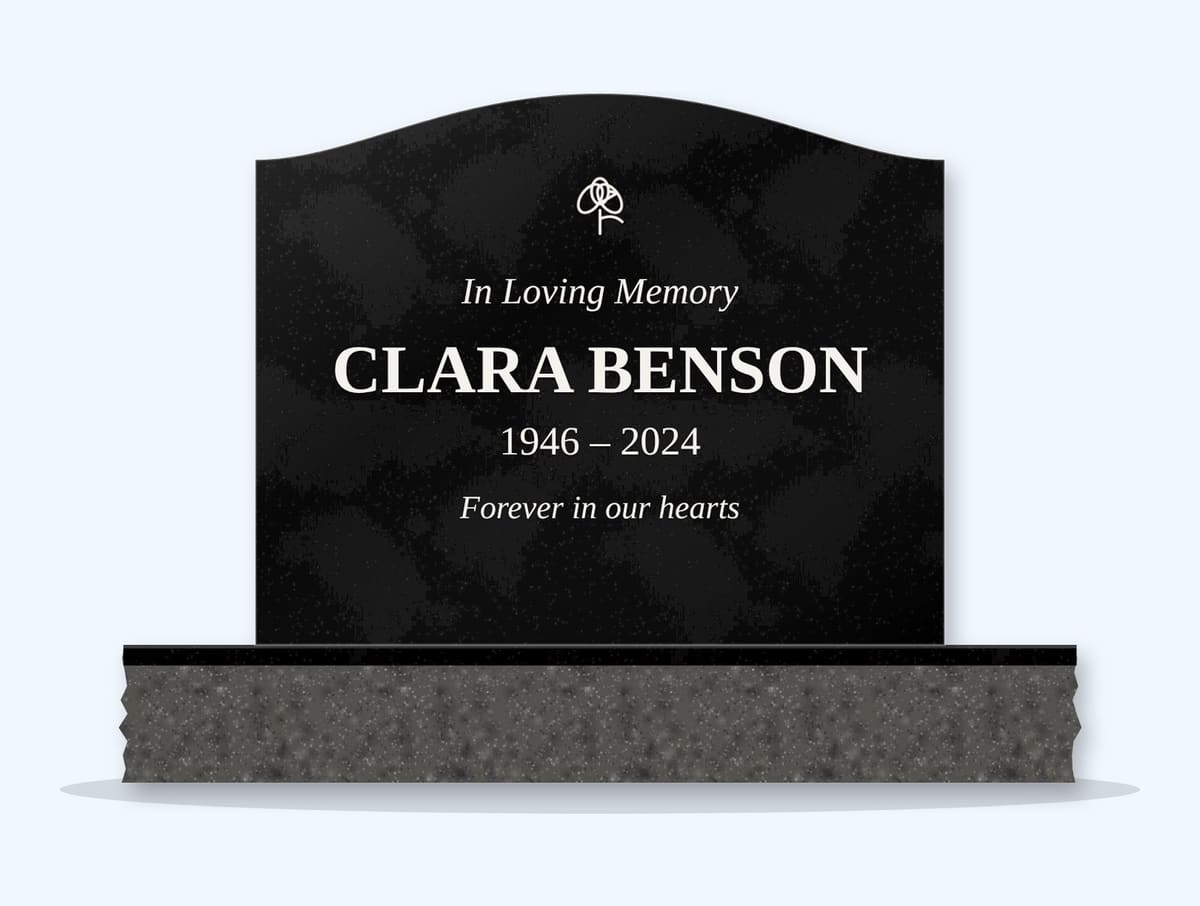
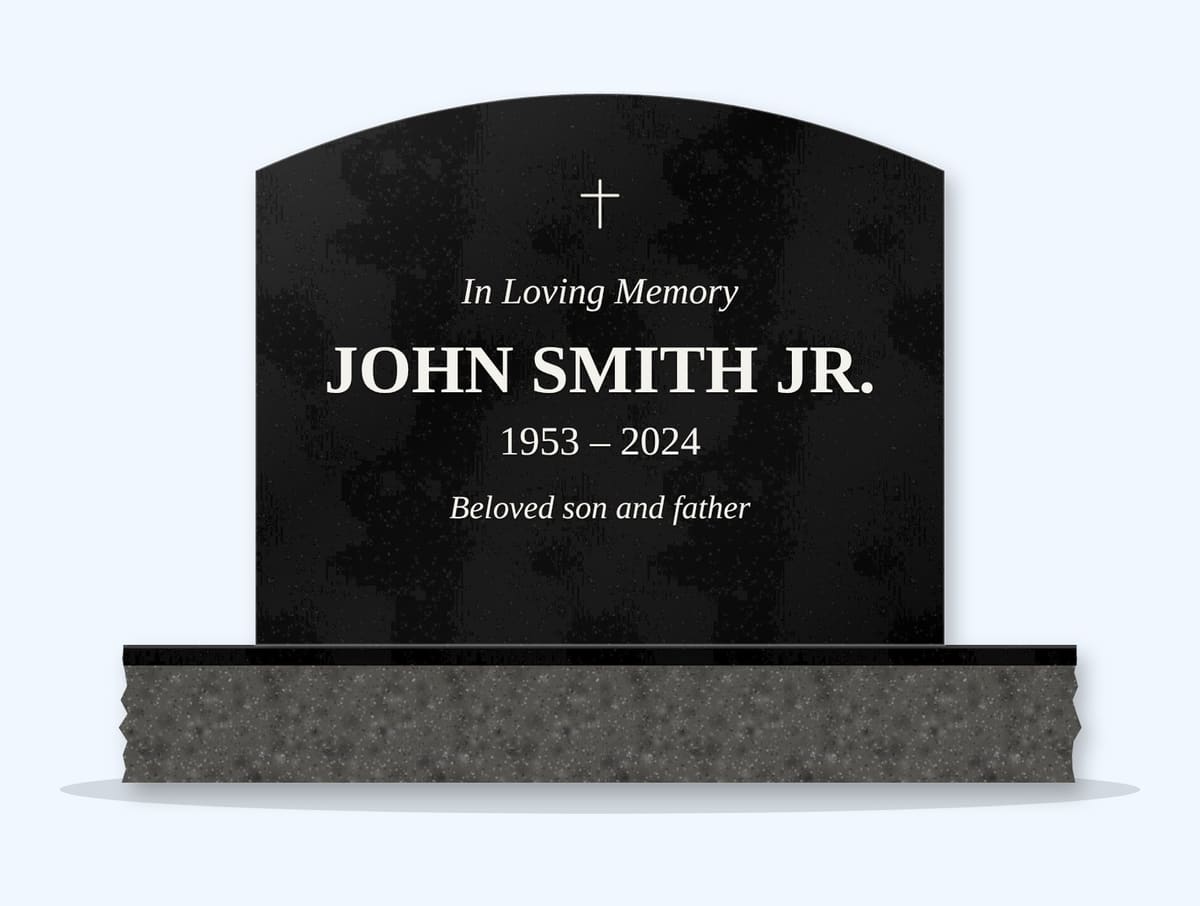
A well-laid-out headstone reads clearly from a few steps away. These principles help.
Hierarchy
| Level | Element | Size |
|---|---|---|
| 1 | Name | Largest |
| 2 | Dates | Medium |
| 3 | Opening line and epitaph | Smaller, often italic |
| 4 | Symbol | Proportionate, not overpowering |
Spacing
- Leave clear margins — about 2 inches from edges and curves.
- Keep consistent gaps between lines.
- Group related lines (name and dates) closer together.
Centring
Most headstones are centre-aligned. Modern designs sometimes left-align — see modern designs.
Symbols
- One symbol above the name, or a pair in the upper corners.
- Keep symbols away from the shaped top edge.
Companion stones
Mirror the two sides exactly: same sizes, same line positions. See spouse still living.
Key Takeaways
- The name should dominate.
- Keep margins and spacing consistent.
- Mirror companion layouts.
Next Step
Lay out your design in the Design Studio.
Frequently Asked Questions
What should be largest on a headstone?
The name, followed by the dates, then smaller opening lines and epitaphs.
How much margin should a headstone have?
About 2 inches from edges and curves keeps text from looking crowded.
Should headstone text be centred?
Most are centred; modern designs sometimes left-align.
Ready to get pricing for your granite monument?
Request pricing, factory specifications, and DAP delivery timelines from our team.
Related guides

Design Guide
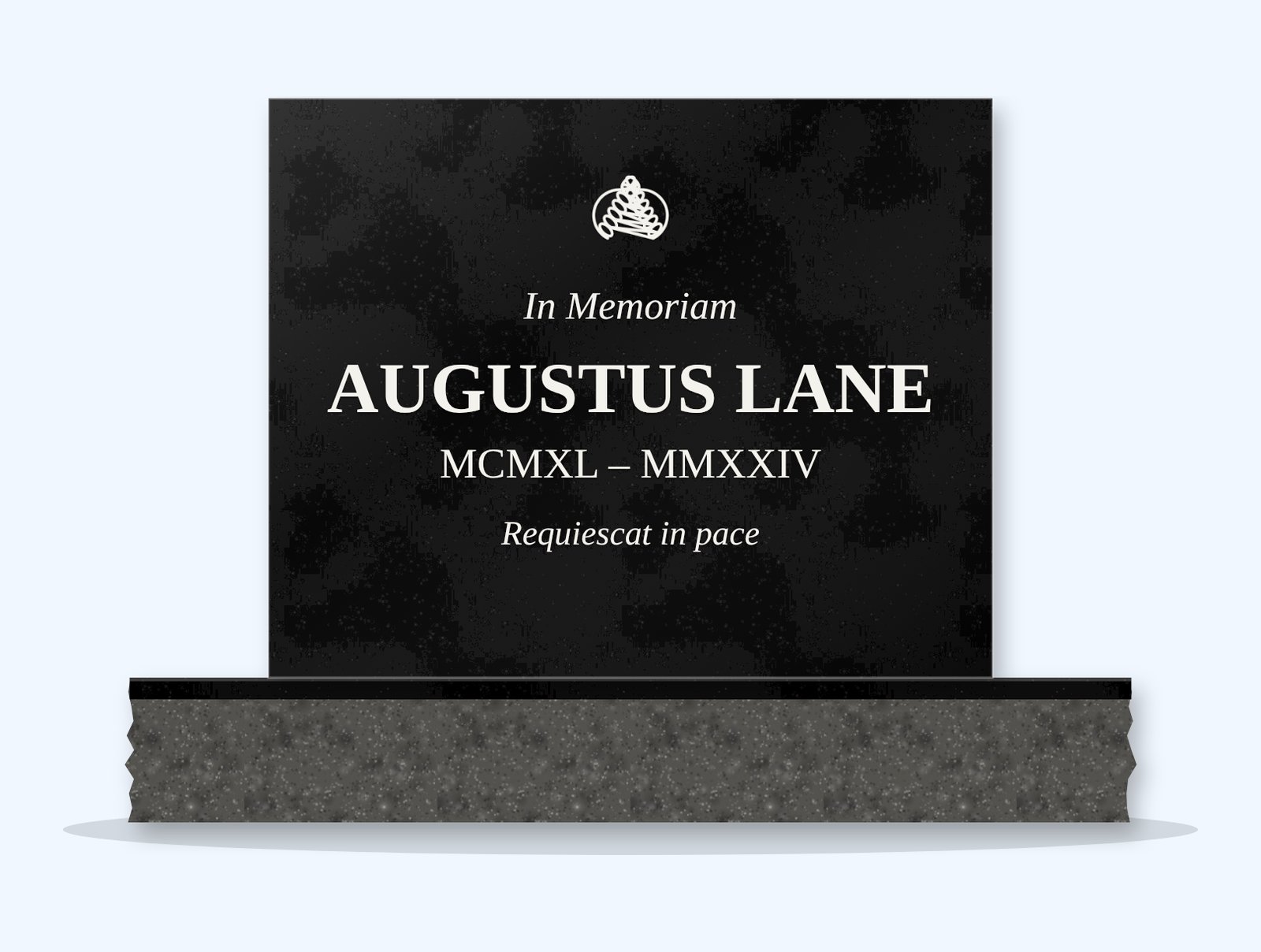
Minimalist Headstone Design
Design Guide
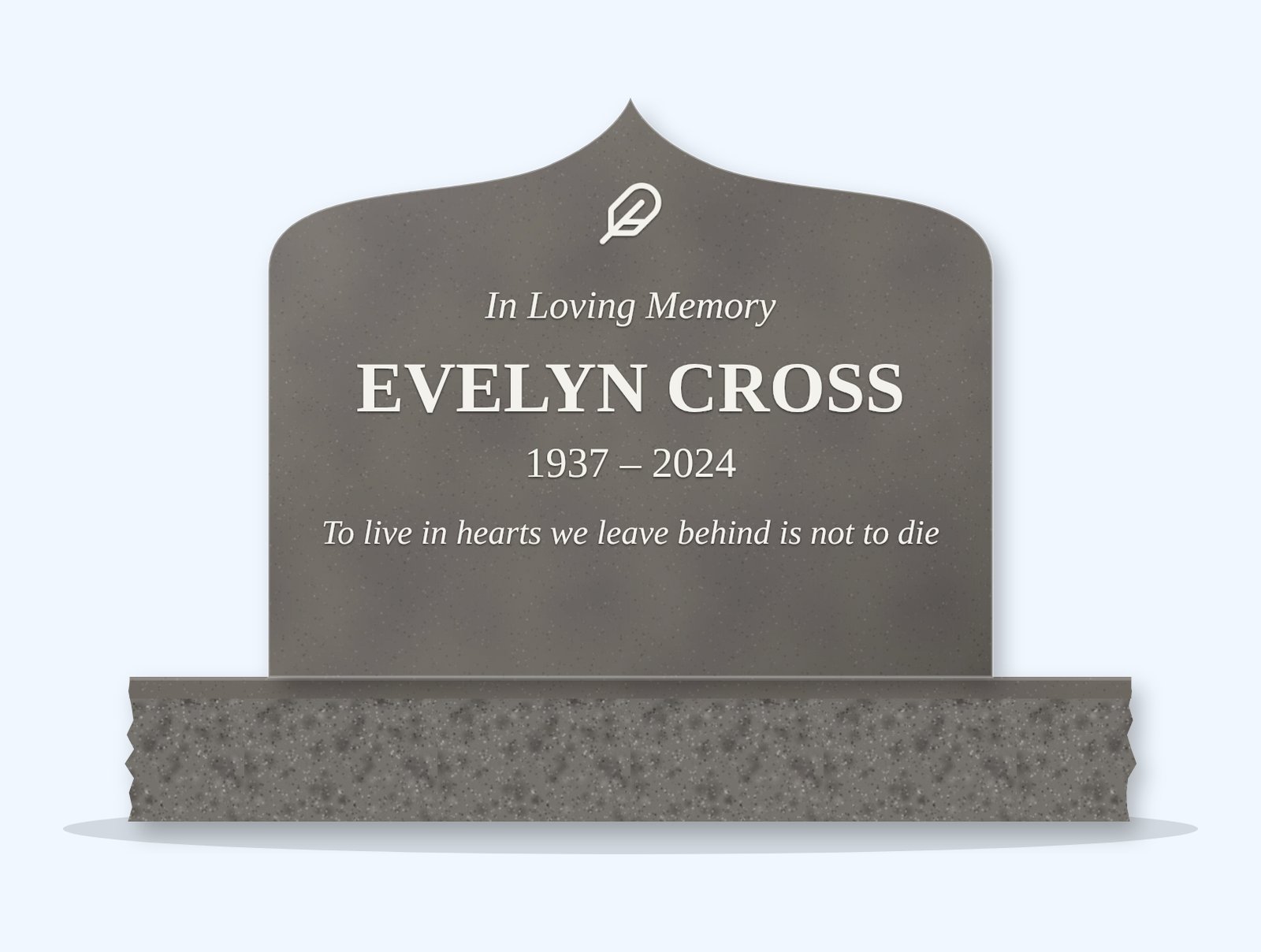
Roman Numerals on Headstones
Design Guide
Classic Poem Lines for Headstones (Public Domain)

Design Guide
What to Write on a Son's Headstone
Design Guide
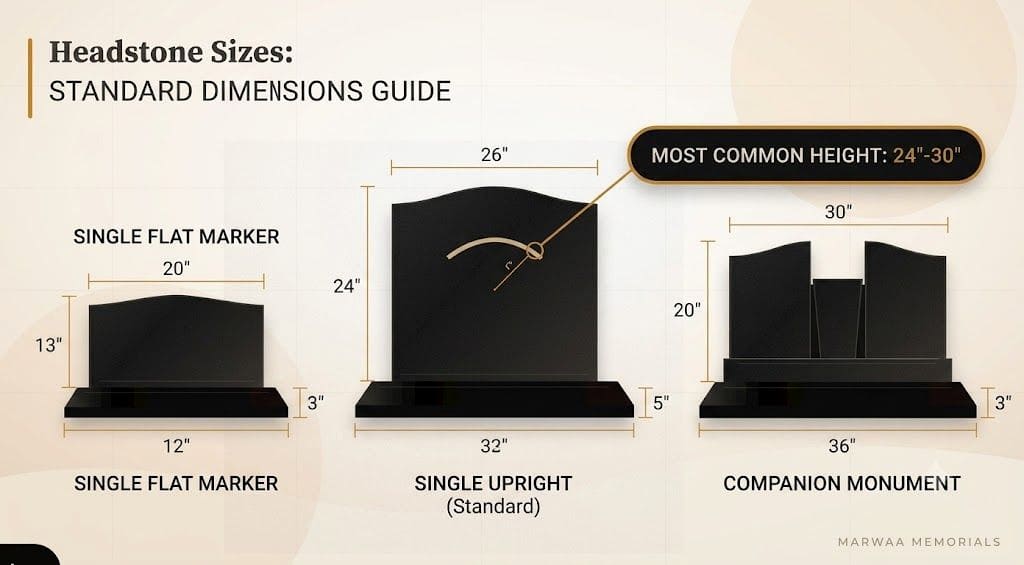
Headstone Sizes
Design Guide