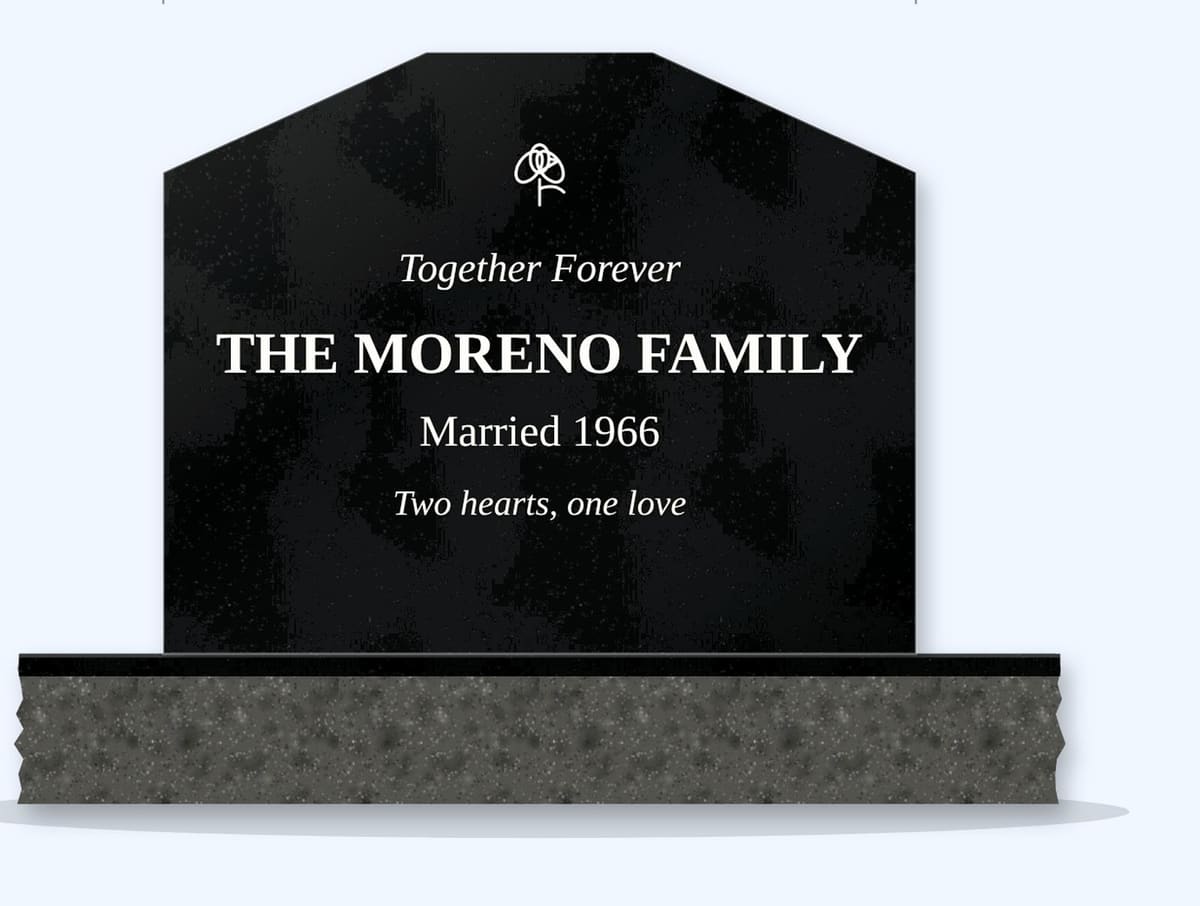
Adding a Couple's Photo to a Companion Headstone
How to add photos to a companion headstone — one shared photo or two portraits, etched or ceramic, choosing images and planning for a surviving spouse.

Photos make a companion headstone feel personal. Couples choose between one shared photo and two individual portraits.
One photo or two?
- A shared photo — a wedding photo or a favourite picture together, centred between the names.
- Two portraits — one above each name, ideally from a similar age and style.
- A wedding photo plus a recent one — on the front and back.
Two portraits work best when the photos match in size, angle and lighting.
Etched or ceramic?
Laser etching on black granite gives a timeless black-and-white look and nothing can fall off. Ceramic photos keep colour but are attached plaques. See ceramic vs laser-etched.
When one spouse is living
Many couples choose their shared photo together in advance. If the surviving spouse prefers, their portrait can be added later on site by etching or a ceramic plaque — plan the space now. See wording when a spouse is living.
Choosing photos
Use sharp, well-lit photos where both faces are clear. Scan old prints at high resolution. Artists can combine two photos into one balanced composition. See choosing a photo.
Placement and size
Common layouts for photos on a companion stone:
- Shared photo centred above the family name.
- Two ovals above each first name.
- Photos on the back with a larger etched portrait.
As a guide, oval ceramic photos are often around 3–5 inches tall on uprights; etched portraits can be larger. Keep photos above the name so faces aren't hidden by flowers in the vases.
Key Takeaways
- Choose one shared photo or two matching portraits.
- Etching is permanent; ceramic keeps colour.
- Plan space for a surviving spouse.
- Use sharp, well-lit photos.
Next Step
Plan the layout in the Design Studio.
Frequently Asked Questions
Can two photos go on a companion headstone?
Yes — usually one above each name, ideally matching in size and style.
Can a wedding photo be etched on a headstone?
Yes — wedding photos are a popular shared image.
Can a photo be added later for a surviving spouse?
Yes, by on-site etching or a ceramic plaque, if space is planned.
Can two separate photos be combined into one?
Yes — artists can combine them into a balanced composition.
Where should photos go on a companion headstone?
Usually above the names, so vases and flowers don't hide them.
Ready to get pricing for your granite monument?
Request pricing, factory specifications, and DAP delivery timelines from our team.
Related guides
Can You Add a Photo to an Existing Headstone?
How to Choose the Best Photo for a Headstone Portrait
Headstone Photos
Different Surnames on a Companion Headstone
How to Clean a Ceramic Photo on a Headstone